
What You're Buying
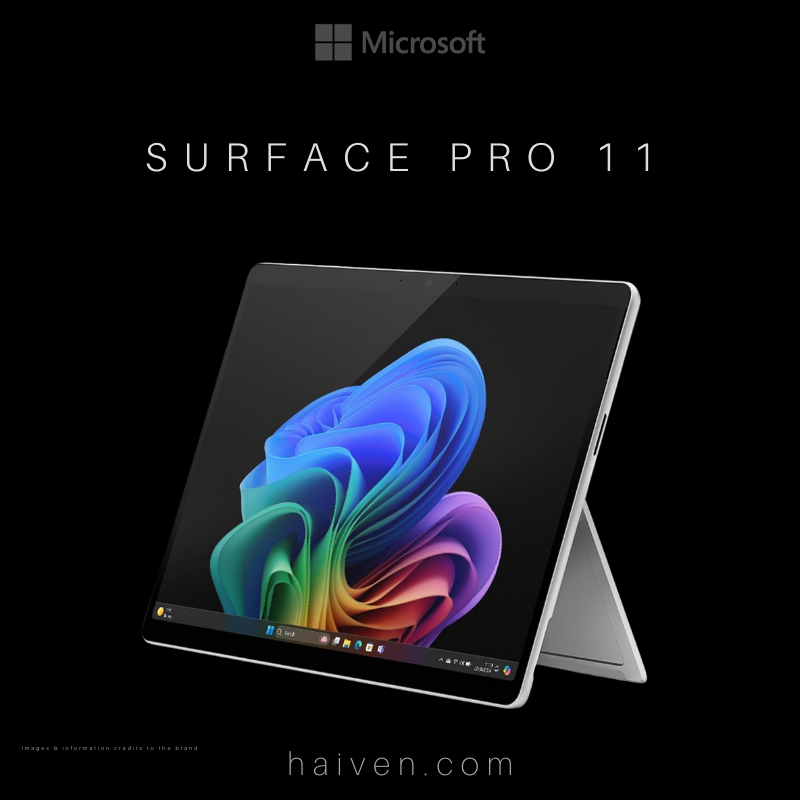
Haiven's EP2-20240 listing identifies a Platinum Surface Pro 11 with Intel Core Ultra 7, 16GB memory, 512GB storage and Windows 11 Pro. This is the Intel configuration, not a Snapdragon model bearing a similar Surface Pro name.
How It Works
The 13-inch touchscreen and adjustable kickstand support tablet-style use. A compatible keyboard adds a typing setup. Microsoft lists keyboard and pen accessories separately, so check your exact bundle rather than assuming the photograph describes everything supplied.
Why We Chose It
Its appeal is the choice of working positions. Before choosing, picture a normal day: reading documents, typing longer replies, taking notes and connecting at a desk. List the accessories needed for those tasks so the complete setup fits your budget.
What Sets It Apart
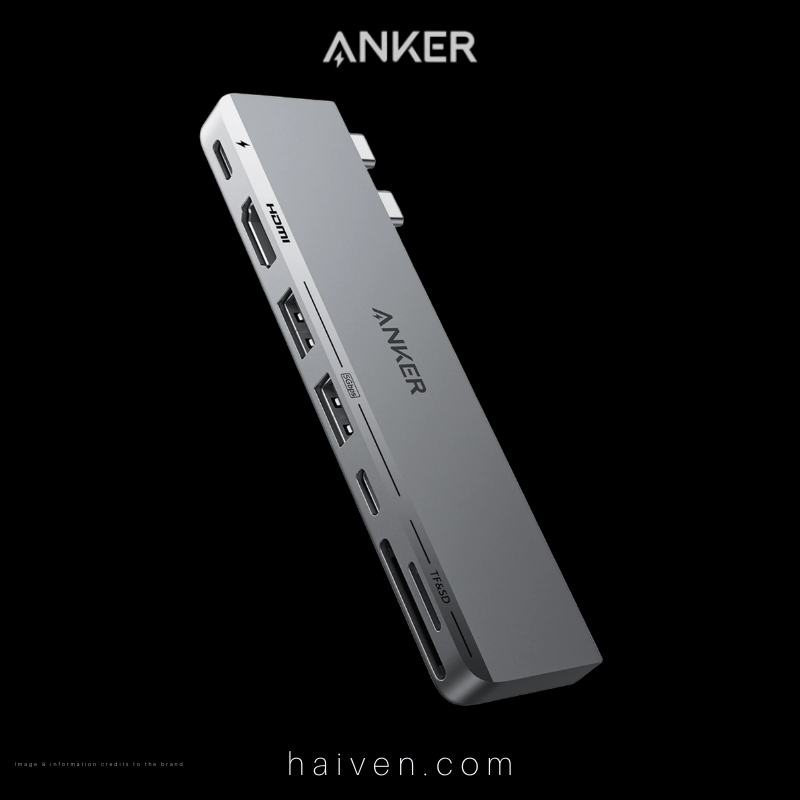
Microsoft specifies two USB-C ports with USB4/Thunderbolt 4 for this Intel generation. They support charging, data and display connections. Confirm that a proposed dock supports your monitor arrangement and that your cables carry the required signals.
Before Your First Working Day
- Confirm the exact keyboard and pen compatibility.
- Check the supplied charger and any separate charging requirements.
- Check required software licences, workplace access and peripheral support.
- Keep a backup of files before transferring them from your old computer.
View the Platinum Intel Surface Pro 11 listing.
Why We Recommend It
Consider it when you want a touchscreen PC that can move between handheld reading and a desk setup. Choose around those tasks, not an assumption that a tablet, keyboard and pen are one inseparable package.
Reference: Microsoft's Intel Surface Pro 11 specifications.