
▍What You're Buying
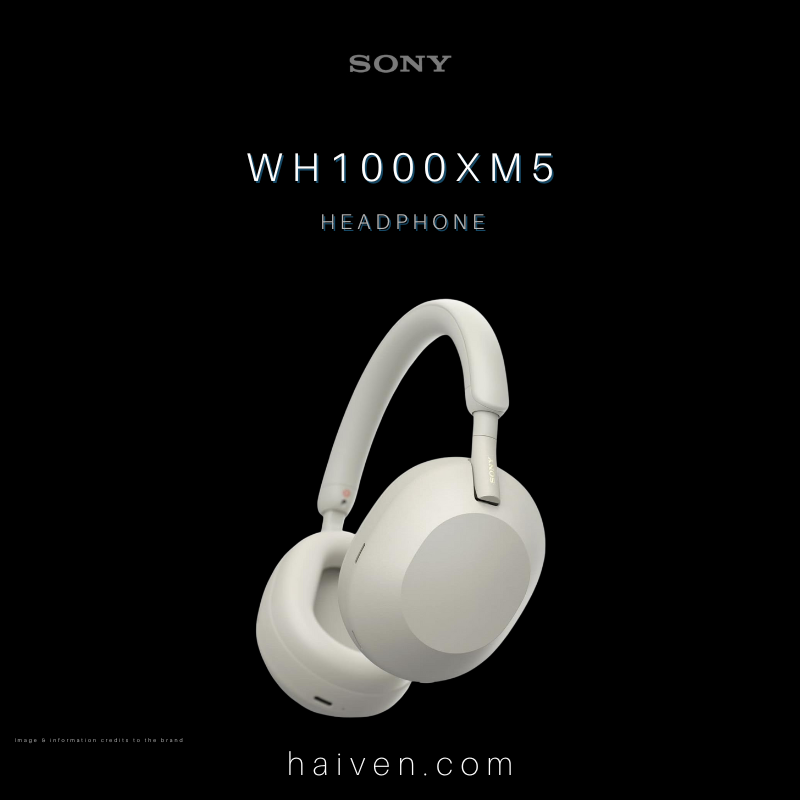
The Sony WH-1000XM5 is an over-ear wireless headphone with noise cancelling, Ambient Sound Mode and a detachable headphone cable. This guide focuses on a practical question: how will it fit into a day split between a phone, a laptop and occasional wired listening?
Sony lists an approximate weight of 250g and maximum music playback of 30 hours with noise cancelling on, or 40 hours with it off. Treat those figures as planning limits rather than a guaranteed result for your own settings. The manufacturer's listed accessories are a carrying case, connection cable and USB cable. See Sony's WH-1000XM5 specifications.
▍How It Works
Multipoint lets the headphones stay connected to two Bluetooth devices. For a phone-and-laptop routine, pair each device first. Connect the headphones to the phone running Sony's companion app, enable the two-device connection option, then connect the laptop. Sony's older help pages call the app Headphones Connect; the current name is Sound Connect.
To move music from one device to the other, stop playback on the first and start it on the second. This is useful when moving from a laptop video to something saved on your phone. It does not mix both music streams together. Follow Sony's multipoint setup instructions for the connection sequence.
▍Why We Chose It
We chose the WH-1000XM5 for readers who want one pair of headphones for several everyday sources. Before choosing, list the two devices you use most and check the listening and calling functions you need on each. A short trial should include switching a music source and placing a call in the app you normally use.
Fit also deserves a separate check. Try the headphones with your usual glasses, if you wear them, and decide whether the headband and ear cushions suit you. A specification sheet cannot settle that personal preference.
▍What Sets It Apart
The wired option gives you another way to listen, with some important differences:
- The supplied headphone cable connects to a compatible stereo mini-jack output. Check the source device's connection before assuming an adapter will be unnecessary.
- You can hear music with the headphones switched off, but noise cancelling requires power.
- Connecting the headphone cable disables Bluetooth. For a phone call in this mode, Sony instructs you to speak into the phone's microphone. Turn off Speak-to-Chat for wired calls so it does not prevent you from hearing the caller through the headphones.
These details come from Sony's headphone-cable guide. Pack and test the connection you intend to use before a trip.
▍Why We Recommend It
Consider the WH-1000XM5 if two-device switching and a wired fallback match your routine. Plan charging around your actual listening time, check comfort and make one trial call before relying on a new setup for a meeting. Those checks are more useful than choosing by the battery headline alone.