
What You're Buying
Haiven's MU9D3 listing is the 2024 Apple Mac mini with an M4 chip, 10-core CPU, 10-core GPU, 16GB unified memory and 256GB SSD. It is a desktop computer, not an all-in-one: plan a display, keyboard and mouse separately. Apple's box contents list the computer and power cord.
How It Works
Connect your display through HDMI or a compatible rear Thunderbolt port, then connect your input devices and power. For an existing desk, list every connector before ordering cables. A USB-A peripheral needs a suitable adapter or hub because this model's USB ports use USB-C connectors.
Check your essential applications and printer support for macOS before replacing another computer. A familiar screen and keyboard do not guarantee that every existing software workflow will transfer unchanged.
Why We Chose It
This configuration offers a way to build a compact workstation around peripherals you already use. The useful question is not just processor speed: it is whether the memory, storage and connections fit your actual work.
What Sets It Apart
- The enclosure measures 12.7cm by 12.7cm, with a height of 5cm.
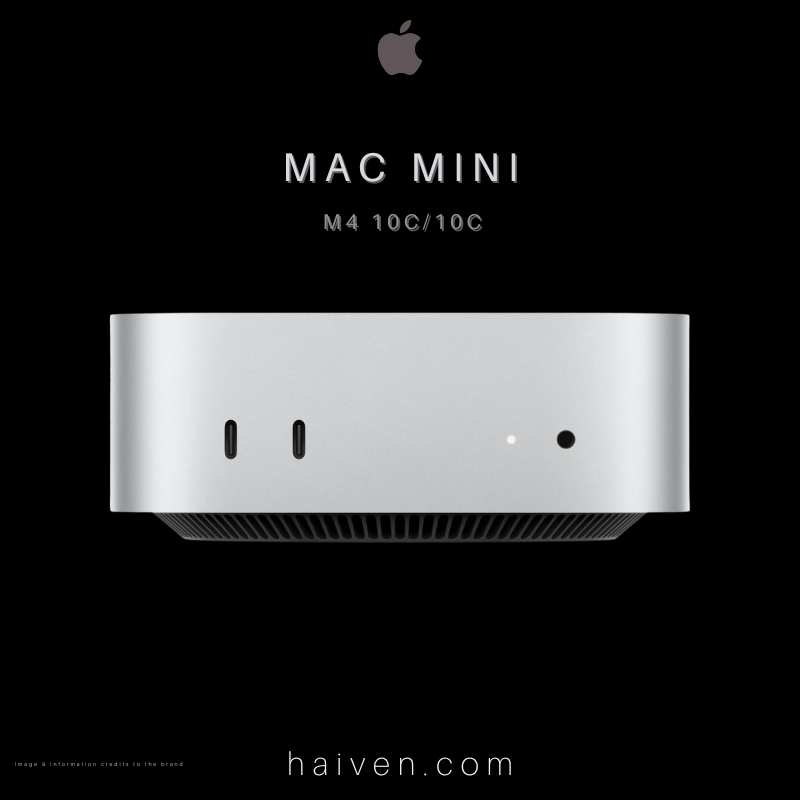
- Two front USB-C ports support USB 3 at up to 10Gb/s for easy access.
- The M4 version has three rear Thunderbolt 4 ports, alongside HDMI and Ethernet. Do not confuse it with the M4 Pro's Thunderbolt 5 specification.
- The featured configuration has a 256GB SSD. Audit your current files and applications before deciding whether that capacity fits.
For multiple screens, check Apple's supported combinations of resolution, refresh rate and connection type rather than relying on the number of ports alone.
View the Mac mini M4 16GB/256GB at Haiven.
Why We Recommend It
Consider this Mac mini for a desk where space matters and you want to choose your own peripherals. Make a storage and compatibility checklist first, especially if you are moving from a different operating system.
Specifications checked against Apple's 2024 Mac mini specifications and model identification guide.