

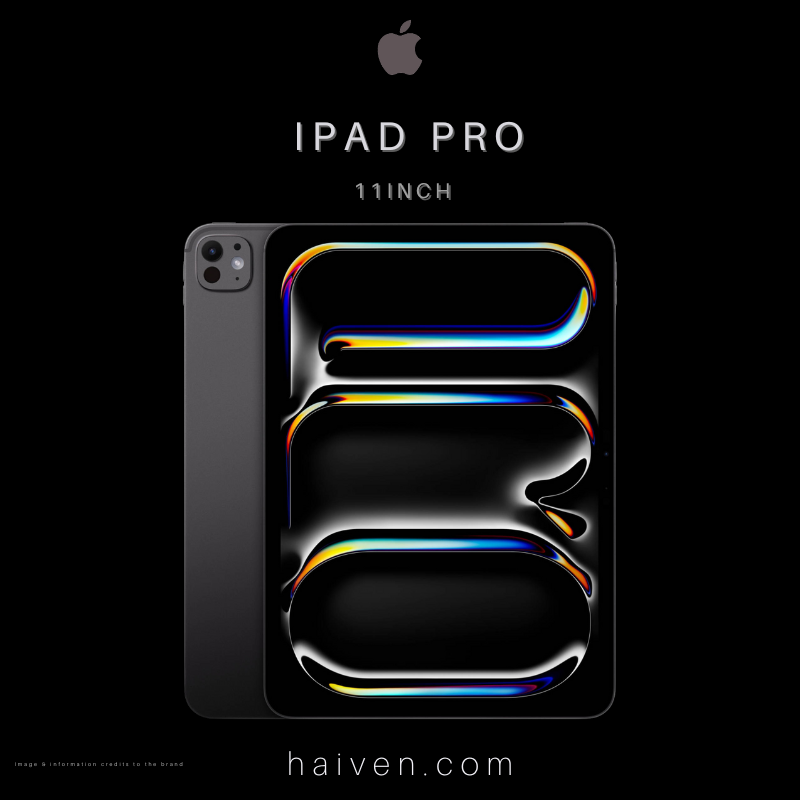
What You're Buying
This is the 2024 iPad Pro 11-inch with Apple's M4 chip, 256GB storage and Wi-Fi connectivity. For this capacity, Apple specifies a 9-core CPU, 10-core GPU and 8GB RAM. Do not transfer the 1TB and 2TB versions' processor and memory specifications to this model.
How It Works
Use it as a touch-first workspace for reading documents, reviewing drawings and marking up reference material. Before choosing it for work, check that your essential applications, file formats and export steps are supported on iPadOS. A powerful chip does not make an iPad app identical to its desktop counterpart.
For handwritten notes or annotation, this model supports Apple Pencil Pro and Apple Pencil (USB-C). Check the exact accessory generation before reusing an older stylus. Plan accessories separately rather than assuming they are included.
Why We Chose It
The appeal is a portable screen for work you want to inspect and annotate directly. Start with one real task, such as reviewing a PDF and returning the marked-up copy, then check the full process before changing your routine.
What Sets It Apart
- The Ultra Retina XDR display uses tandem OLED, with adaptive ProMotion refresh rates from 10Hz to 120Hz.
- The 256GB model uses standard glass. Apple's nano-texture option applies to the 1TB and 2TB versions.
- The Wi-Fi configuration does not include cellular connectivity. Plan internet access away from your usual network.
Estimate space for documents, apps and offline files. Keep a separate backup plan rather than treating tablet storage as your only copy.
View the iPad Pro 11-inch M4 256GB Wi-Fi at Haiven.
Why We Recommend It
Consider it when direct annotation and a compact display matter more than recreating a desktop setup. Confirm your apps, stylus and storage needs first so that the device fits the task, not the other way around.
Hardware and accessory support checked against Apple's exact M4 model specifications.