
▍What You're Buying
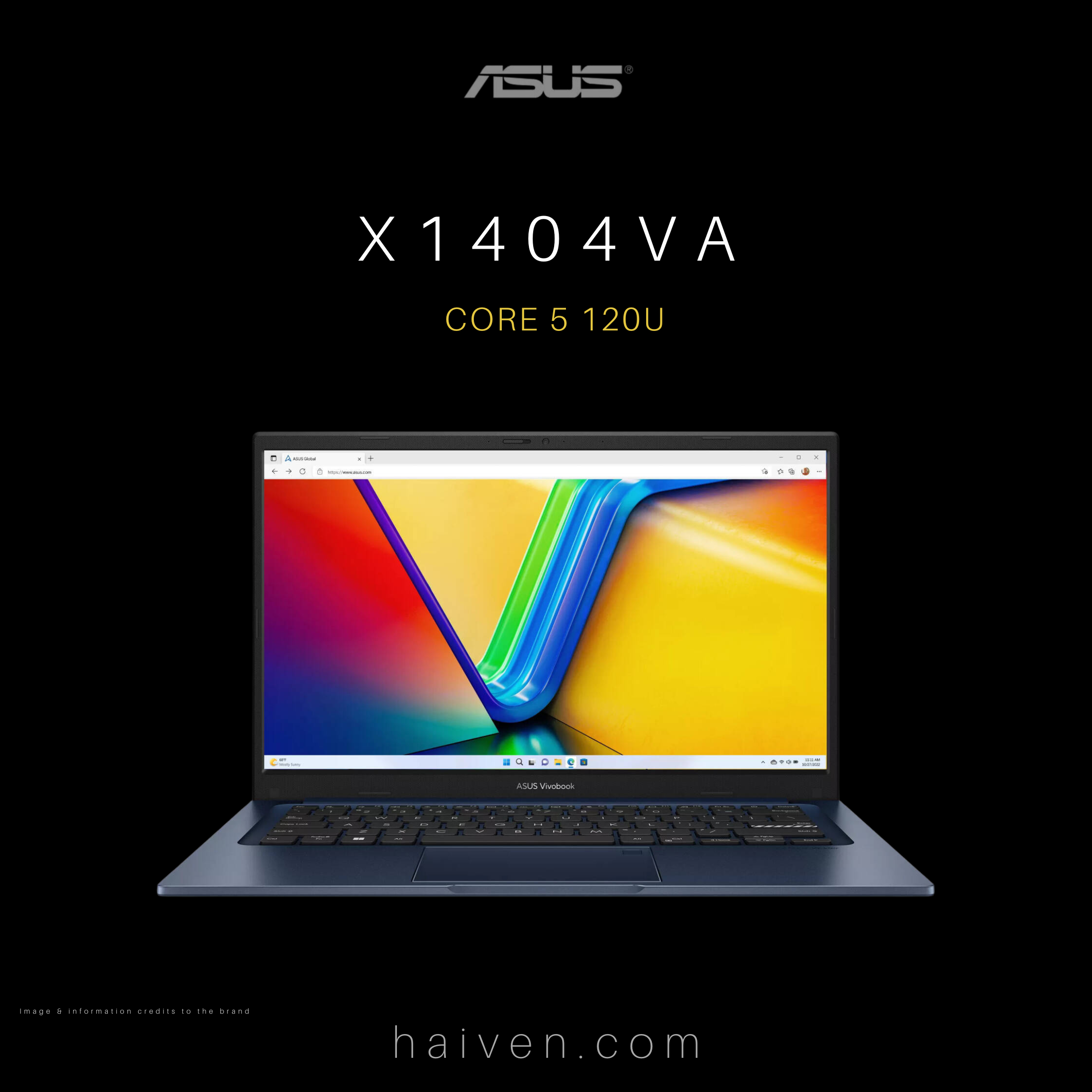
The ASUS X1404VA in this guide is Haiven's Intel Core 5 120U configuration with 8GB RAM, a 256GB SSD, a 14-inch Full HD display and an English keyboard. The listing specifies DOS, so include operating-system setup in your buying plan. The desktop shown in the product image is illustrative and does not establish that Windows is included.
ASUS offers several X1404 configurations. Its official specifications cover different processors, memory arrangements and operating systems. Check the complete configuration when comparing listings with a similar model name.
▍How It Works
The processor runs your applications, RAM holds the work currently in use, and the SSD stores software and files. For this 8GB and 256GB combination, start with a short list of the applications you need and the files you want to keep locally. Check their current system requirements before deciding.
Ask what operating-system installation, drivers and any required licence will involve. Include those steps in the total setup cost and timing. After setup, test your usual documents, browser tabs, video calls and peripherals before relying on the laptop for a busy day.
▍Why We Chose It
We chose this configuration to make the first-day setup question clear. A laptop can match your preferred screen size and still need software preparation before it fits your routine. The DOS listing makes that preparation particularly important for a first-time buyer.
▍What Sets It Apart
- 14-inch format: consider how the screen fits your desk and the amount of side-by-side work you do.
- Defined memory and storage: this listing is for 8GB RAM and a 256GB SSD. Allow space for the operating system and applications as well as your own files.
- Configuration checks: confirm the full product code before relying on a review of another X1404 variant or planning a memory upgrade.
▍Why We Recommend It
Consider it if this configuration meets your applications' requirements and you have a clear plan for software setup. If you need demanding editing tools, large local libraries or many applications open together, assess those needs carefully before choosing. A requirements checklist is more useful than the processor name alone.
▍Explore It at Haiven
View the ASUS X1404VA Core 5 120U, 8GB RAM and 256GB SSD configuration at Haiven.