
What You're Buying
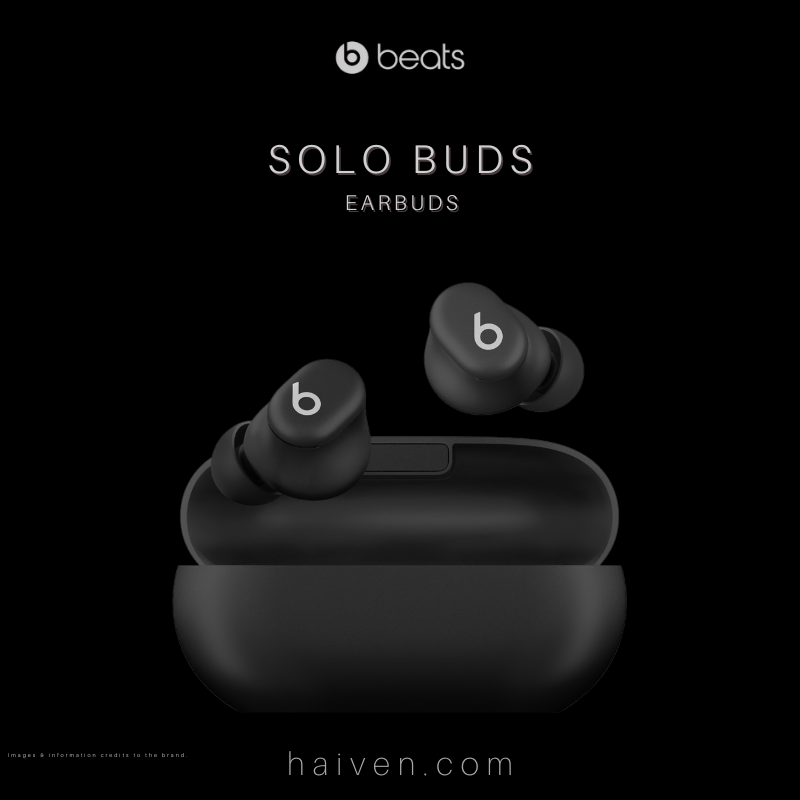
Beats Solo Buds are Bluetooth earbuds with a compact carrying case. The pack includes four ear-tip sizes, from extra small to large. A USB-C cable and power adapter are sold separately, so include those in your setup check.
How It Works
Pair the earbuds with a compatible iOS or Android device. When they need power, put both earbuds in the case and connect the case to a USB-C power source. The case does not provide an independent battery reserve for recharging on the move.
Build this into your routine: keep a suitable cable where you usually charge your phone, and check the earbuds' battery before leaving. Simply returning them to an unplugged case will not top them up.
Why We Chose It
The charging arrangement is worth understanding before choosing these earbuds. Beats specifies up to 18 hours of playback from the earbuds, with actual runtime varying by settings and use. That can suit a listener who prefers charging at a desk rather than carrying a case with extra stored power.
What Sets It Apart
Each earbud has a multifunction button. Solo Buds do not have active noise cancellation, so do not choose them expecting electronic suppression of surrounding noise. Try the supplied ear tips for a secure, comfortable fit rather than assuming one size works for everyone.
Why We Recommend It
Consider Solo Buds if you want straightforward wireless listening and are comfortable connecting the case to power when needed. If an independently charging case or active noise cancellation is essential, compare other models before deciding.
View Beats Solo Buds at Haiven.
Specifications and charging details: Beats Solo Buds and Beats support.